RemoveLayer
removelayer.com
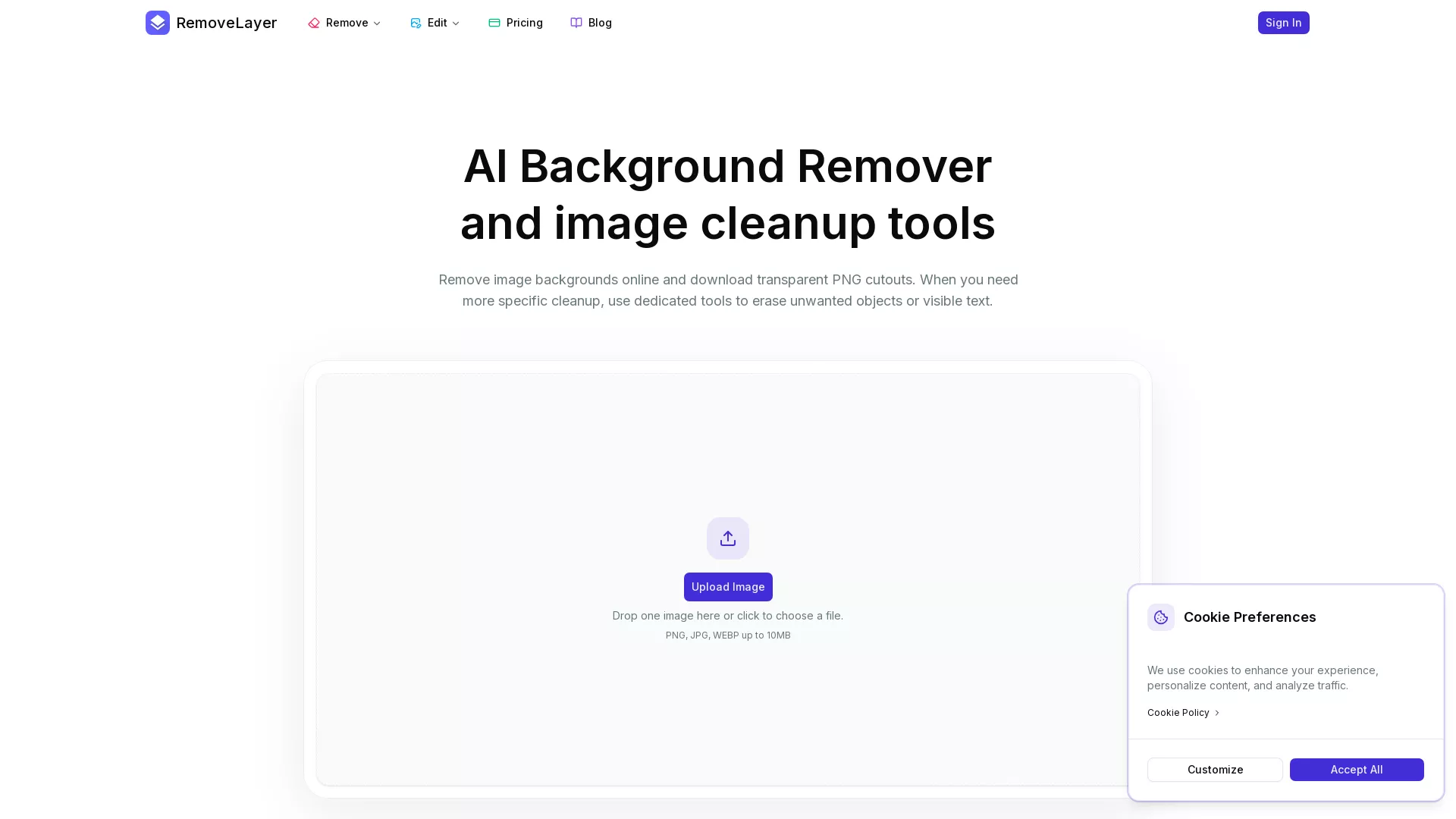
Remove backgrounds, erase objects, and clean text from images in seconds with AI.
Описание
$1a
Возможности
🖼️ AI Background Remover
Remove image backgrounds automatically to create clean, transparent PNG cutouts. Perfect for isolating products, portraits, pets, or design elements from their original setting. The tool is the primary workflow, delivering high-quality assets ready for commercial use in ads,
🧹 AI Object RemoverErase unwanted objects, people, marks, or distractions by painting over them with an AI brush. This tool allows for selective cleanup while preserving the rest of the image scene, ideal for refining photos without complex editing software.Example: Remove a stray prop or a photobom
🔤 AI Text RemoverAutomatically detect and remove visible text, captions, labels, or watermarks from images. This tool requires no manual masking, making it efficient for creating reusable visual assets free of branding or annotations.Example: Clean a meme template by removing its original text, or e
Сценарии использования
Remove product background for online store.
Erase text from a meme template.
Clean stray object from marketing photo.
Create transparent PNG for social media.
Prepare product catalog images quickly.
Частые вопросы
RemoveLayer is an online AI image editing platform offering specialized tools to remove backgrounds, unwanted objects, and visible text from images, creating clean, commercially usable assets.
Yes, RemoveLayer offers a free starting tier. Users can upgrade to paid subscription plans (Plus, Pro, Max) for more monthly credits, higher volume processing, and priority features.
RemoveLayer supports common image formats including PNG, JPG, and WEBP. Uploaded files must be under 10MB in size.
Images with clear, high-contrast edges between the subject and background—such as product photos, portraits, and pictures of pets—typically yield the best transparent cutout results.
You download a transparent PNG file, which is the standard format for cutouts and can be used in design software, websites, and marketing materials.
Yes, commercial licensing is included with all RemoveLayer plans, including the free tier. You can use the edited images in product pages, advertisements, client work, and other business content.
The exact credit cost per operation is detailed on the pricing page. Different tools and features may consume varying amounts of the monthly credits included in your plan.
Plans provide a set number of credits per month for AI editing tasks. Unused credits do not roll over. You can also purchase Pay-As-You-Go credits for one-time batches.
Use the dedicated Object Remover tool: upload your image, paint over the unwanted object with the provided brush, and let AI clean up the selected area while preserving the surrounding scene.
Yes, bulk background removal for multiple images is a feature included in the Plus, Pro, and Max subscription plans, allowing for efficient processing of image catalogs.
Характеристики
| Тип | Инструмент |
| Категория | Дизайн и UI |
| Цена | бесплатно (от $9/мес) |
| Платформа | Только веб |
| Системы | Web |
| Язык сайта | en |
| Вендор | Kong |
| Запуск | 2026-06-22 |